CRM Automation Strategies for Maximum Efficiency
Boost efficiency with CRM automation strategies that streamline workflows, improve lead routing, and drive revenue growth.
 By Divyesh Savaliya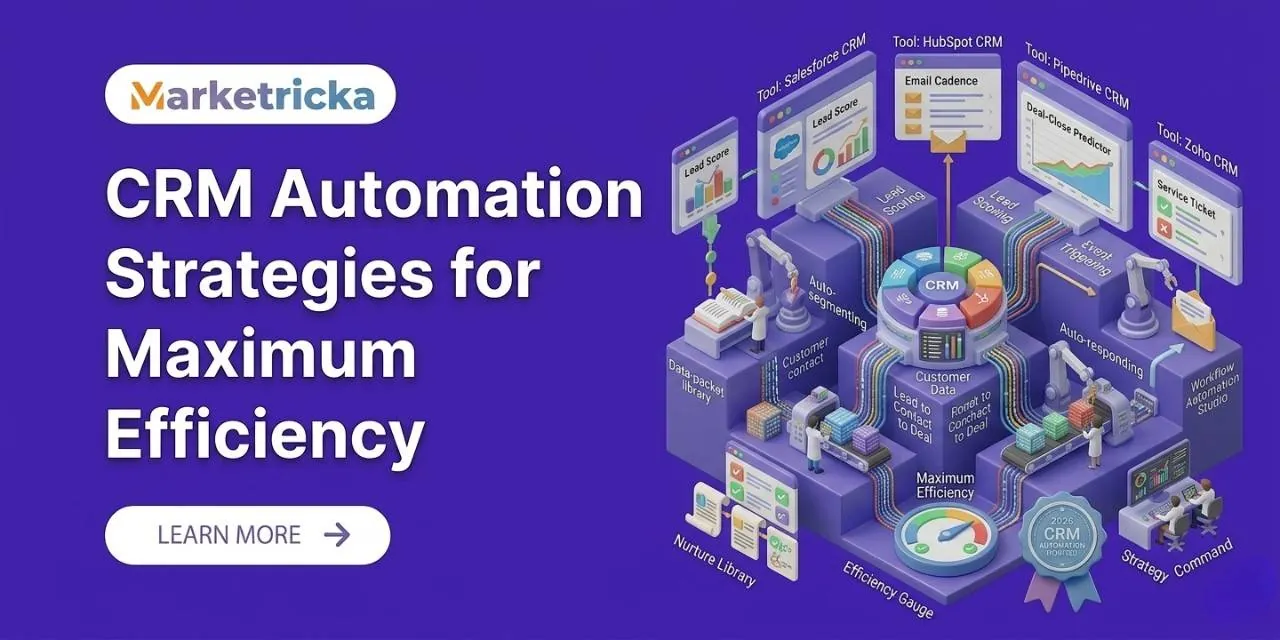
Most sales and operations teams do not have a people problem; they have a process problem. Many repetitive and low-value tasks take up the time that should be spent on building relationships, making decisions, and generating revenue for the sales and operations teams. CRM automation exists to fix that problem for the sales and operations teams.
However, many businesses get stuck. They invest in a CRM platform, turn on a few basic automations, and stop using the CRM platform. The CRM is technically running. It is doing only a fraction of what it could do for the businesses. The system ends up feeling like a contact database rather than an efficiency engine for the businesses.
This guide covers CRM automation strategies that truly drive real results for CRM automation. These are approaches used by experienced revenue operations teams to build CRM systems that work harder than the people managing the CRM systems.
What CRM Automation Really Means
CRM automation uses your CRM platform to execute tasks, trigger communications, update records, and move deals through pipelines automatically based on predefined rules or real-time data for the CRM.
Example: An automatic email is sent when a lead fills out a contact form on the CRM.
Advanced example: A full workflow triggers touchpoints, internal notifications, data enrichments, and pipeline movements that respond dynamically to customer behavior. All while your team focuses on conversations that require attention on the CRM.
The gap between sophisticated automation is where most businesses sit and where the most impactful CRM automation strategies exist for the CRM automation. Moving from basic to advanced is not about complexity; it is about deliberate design: knowing which processes to automate in what order and with what logic for the CRM.
1. Start With High-Friction Manual Processes
The effective CRM automation strategies start by identifying where time is actually being lost for the sales and operations teams.
Track tasks your team performs repeatedly: logging call notes, sending follow-ups, updating deal stages, assigning leads, and scheduling reminders on the CRM.
Rank tasks by frequency and time cost. Automate the high-impact ones first on the CRM.
This friction-first approach builds trust in automation for CRM automation. When reps notice that tedious tasks are now handled automatically. Adoption determines whether your automation delivers real ROI for the CRM.
2. Lead Assignment and Routing Automation
Manual lead assignment is slow and inconsistent, hurting conversion rates for the sales and operations teams. Automation ensures leads are assigned instantly and intelligently based on:
Lead source
Company size and industry
Geographic territory
Rep workload
Deal value
Automation can also handle:
Re-routing leads if not contacted within a set time
Redistributing leads if a rep is unavailable
Flagging high-value accounts for attention
A small setup here can significantly reduce response time and boost revenue for the sales and operations teams.
3. Pipeline Stage Automation and Deal Progression
Stale pipelines are a sign of underused automation for the CRM. When deal stages rely on updated forecast data becomes unreliable for the sales and operations teams.
Automation ensures deals move through stages based on defined criteria, such as:
Proposal opened → moves to "Proposal Reviewed.”
Contract signed → moves to "Closed Won". Triggers onboarding
No activity in 14 days → flagged for review and creates a task
This keeps your pipeline accurate and actionable, improving both sales forecasting and team efficiency for the CRM.
4. Behavior-Triggered Follow-Up Sequences
Follow-up often fails because reps get busy with the sales and operations teams. CRM automation keeps cadence, but the key is behavior-triggered sequences, not just time-based ones for the CRM.
If a prospect visits the pricing page, follow up with reference pricing on the CRM.
If a proposal is opened multiple times in a day, the system escalates urgency on the CRM.
Automation handles timing and logic while humans craft the content on the CRM. The result: follow-ups that feel timely and relevant for the sales and operations teams.
5. Data Enrichment and Record Hygiene Automation
Dirty data drains CRM performance for the CRM. Automation improves both enrichment and hygiene:
Enrichment: Automatically append contact info from providers like Clearbit, ZoomInfo, or Apollo to the CRM.
Hygiene: Deduplicate records, validate fields, and flag outdated contact info on the CRM.
Accurate data improves segmentation, reporting, personalization, and rep efficiency for the sales and operations teams.
6. Customer Retention and Renewal Automation
CRM automation is not just for sales for the CRM. Post-sale workflows can deliver ROI:
Customer health scoring: Track usage, NPS, support tickets, engagement, then trigger proactive outreach if scores drop on the CRM.
Renewal reminders: Automated alerts to account managers and customers ensure renewals do not slip through the cracks on the CRM.
For subscription businesses, retention automation often yields more returns than new customer acquisition for the sales and operations teams.
7. Internal Notifications and Cross-Team Coordination
Automation is not external-facing for the CRM. It can coordinate across sales, marketing, success, and operations:
When a deal closes, notify the customer success team to create onboarding projects and update CRM records on the CRM.
Escalations, approvals, and cross-functional alerts can all be automated on the CRM.
This turns your CRM into a hub that drives efficiency beyond the sales team for the CRM.
Avoid Common CRM Automation Mistakes
Automating broken processes: Fix the process first, then automate.
Over-automating customer touchpoints: Keep humans in the loop for high-value interactions on the CRM.
Neglecting maintenance: Review and update workflows quarterly to ensure logic stays relevant.
Final Thoughts
The potential of CRM automation is high. Most organizations are underutilizing their CRM tools. The strategies in this guide lead to routing, pipeline automation, behavior-triggered follow-up, data hygiene, retention workflows, and internal coordination, which provide the ROI fastest for the CRM.
Start by automating the processes that cost your team time for the sales and operations teams. Measure impact, build momentum. Gradually implement more sophisticated workflows for the CRM.
CRM automation is not a one-time project; it is a compounding capability that grows in value over time, giving organizations an operational advantage for the CRM.